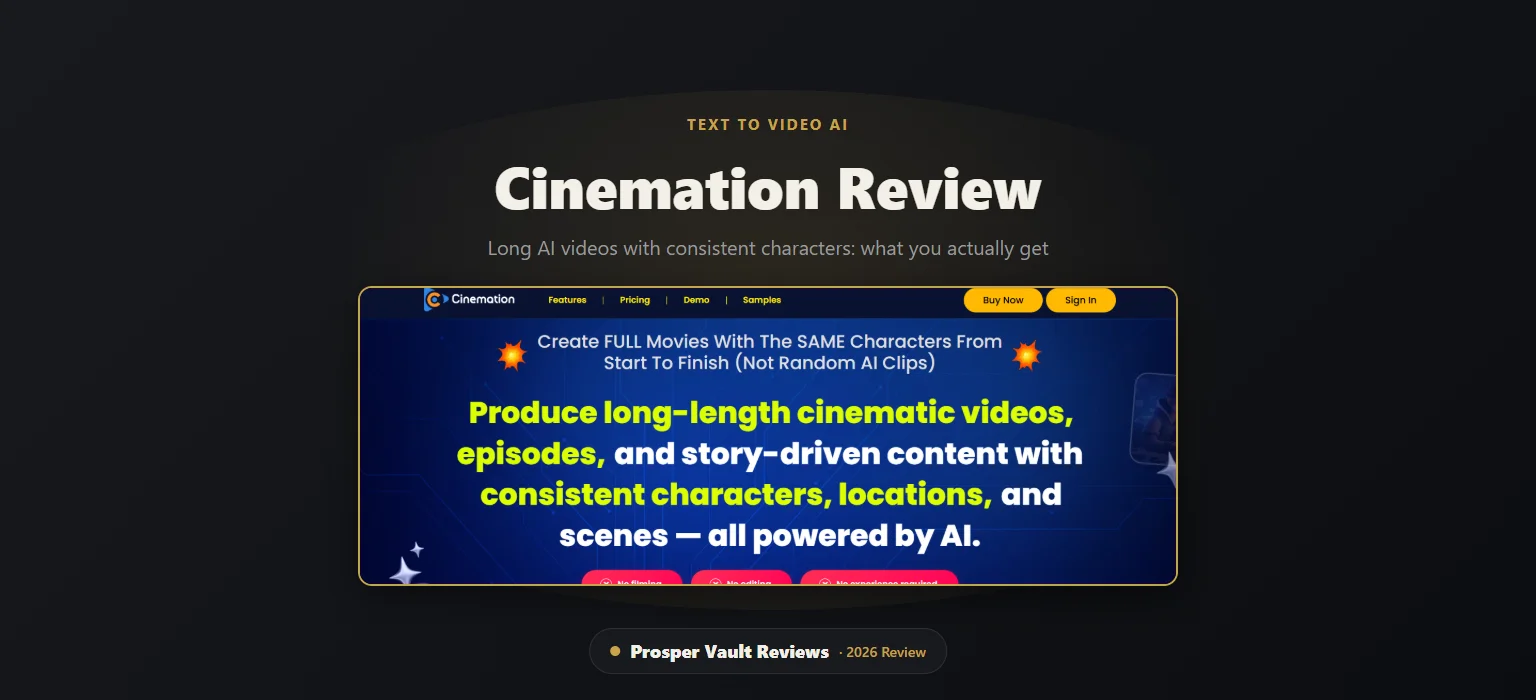
This Cinemation review answers one question: can a desktop app really turn a script into a long video where the same characters and places stay the same from scene to scene? That is the vendor’s main promise, and it targets the biggest weakness of most AI video tools, which make short clips that look different every time. I went through the sales page, the vendor’s affiliate materials and the live checkout to see what you actually get. I have not generated videos with it myself, so I’ll be clear about what is the vendor’s claim and what I could check.
Most AI video tools give you a few seconds of footage. The next clip often has a different face, a different room and a different mood. If you want a story, a series or a long explainer, that is a real problem. Cinemation was built to fix exactly that, and it sits in a growing group of tools people search for as an AI movie maker or a text to video AI app.
Below I cover what it includes, what each plan costs, where the vendor’s claims need a careful read, and who should skip it.
What Is Cinemation?
Cinemation is a desktop AI video app from Teknikforce, created by Cyril Gupta and Todd Gross. It runs on Windows and Mac. You describe a story or paste a script, and the app builds a full video with characters, scenes and dialogue.
The vendor’s pitch is simple. Instead of a pile of random clips, you get one continuous video where the characters and locations stay the same. It launched in April 2026 and is sold through JVZoo.
How Does Cinemation Work?
You start by creating characters and locations. The app stores them in a reusable bank, so you can drop the same person or place into any later video. Then you write a script, or let the AI write one for you in a chosen niche.
According to the vendor, a method it calls Shot-Stitch plans the shots the way a film editor would and joins them into one long video. You can pick a style, such as 2D cartoon, 3D animation, anime, claymation or a live-action look. It also supports vertical and landscape formats and many languages.
There are two video modes. One is character-driven, with people who talk and act. The other is narration style, where a voice tells the story over the visuals.
See It In Action
The official sales page shows sample videos grouped by topic, such as a space mission series, a gym workout series, corporate and content marketing clips, and animated kids’ stories. I’m not rating their quality here, because a sample page is always the vendor’s best work. Watch them yourself and ask one question: do the characters really look the same from the first scene to the last?
What’s Inside
Design a character or a place once, save it, and reuse it across scenes and across videos. This is the whole selling point, and also the one thing you should test during the refund window.
Paste a script you wrote, or describe a topic and let the AI draft the story. You can also ask it to place a product or promotion inside the video.
Make dramas with characters who speak, or narrated videos for education, history and stories. Narration works over the same visual engine.
Beyond the core app, the bundle includes the Pro level (unlimited characters and locations, more AI models, longer videos and a commercial license), a reseller license with 70 licenses, Freezur Pro (a storyteller-style video maker), Tuberank Jeet Pro (video SEO) and 2 years of free upgrades.
How Much Does Cinemation Cost?
This review covers the Cinemation All-Inclusive bundle, which is the plan the links on this page point to. It is a single payment that bundles every product in the funnel. The vendor also sells other plans on its own site, which I do not cover here. The price below is what I saw at checkout on October 2, 2026, and it can change.
The core app, the Pro level, the reseller license, 30,000 welcome credits, unlimited characters and locations, all AI models, a commercial license, Freezur Pro, Tuberank Jeet Pro and 2 years of free upgrades. Check the daily video limit first, because the sales page says 20 a day and the checkout page says 8.
Two things to know before you pay. First, the sales page and the checkout do not agree on everything. Besides the daily video limit, the sales page copy shows a stray “monthly” label next to the All-Inclusive plan, while the checkout I opened showed one single payment. Read the order summary on the day you buy. Second, the vendor’s own affiliate page says lifetime access was only offered during the launch window. Since the one-time bundle is still on sale months later, the offer could change.
About the Vendor
Cinemation comes from Teknikforce, the company behind Cyril Gupta’s software line. According to the vendor, it has more than 100,000 users, a 4.9 rating from over 200 Google reviews and a 4.6 rating on Trustpilot, and says several of its products are listed on G2 and Capterra. Those figures come from the vendor’s own materials, so check the review sites yourself. It promises 24/6 live chat and a 24-hour ticket response.
Who Is Cinemation For?
It fits creators who want to run faceless story channels or series, marketers who want story-based ads, and small agencies that want a faster way to make video concepts. It also suits anyone who has been frustrated by short, mismatched AI clips.
It is probably not for you if you expect Hollywood-level realism on day one, if you want a browser-only tool, or if you are hoping a video app alone will make money. The vendor suggests selling videos as a service or building monetized channels, but I found no independent data on what users actually earn. Also note that the commercial license is included in the All-Inclusive bundle, so you can make videos for clients.
Pros and Cons
Pros
- Built around keeping characters and locations the same across scenes
- Supports long videos, not just short clips
- Write your own script or let the AI write it
- Many visual styles and languages, vertical and landscape
- 30-day refund window and live chat support, per the vendor
- One-time payment instead of a subscription
Cons
- Consistency is the vendor’s claim, and I could not test it
- Usage is tied to credits and daily video limits
- Desktop app only, with no browser version
- The vendor’s examples are its own, not independent results
- A few specs differ between the sales page and checkout
Is Cinemation Just Another Text to Video AI Tool?
Partly yes, and partly no. It does turn text into video, like many text to video AI apps. The difference it claims is continuity: the same characters and places across a whole story. Big names like Runway and HeyGen also sell AI movie makers, so the real test is whether Cinemation’s consistency beats what you can already get. That is exactly why the refund window matters.
Is Cinemation Worth It? My Cinemation Review Verdict
If your goal is long, story-style videos with recurring characters, Cinemation targets the right problem, and the refund window lets you check the output before you commit. If you only want quick short clips, a simpler tool will do.
My advice is to start by watching the sample videos closely, then use your first days to make one short test story with two characters in two locations. If they stay consistent, it is doing its job.
Risks and What to Watch Out For
- Unverified quality. I could not run the app, and AI video quality changes between versions.
- Credits and limits. Heavy use can run into credit or daily limits, so check the numbers for your tier.
- Refund timing. The refund window is 30 days, so test it early and open a support ticket before it ends if it is not for you.
- AI disclosure rules. Platforms like YouTube ask creators to disclose realistic AI-generated content, so read the current rules before you publish.
- Pricing can change. The figures here were checked on October 2, 2026.
FAQ
Is Cinemation a text to video AI tool?
Yes. You give it a script or a topic and it builds a video with characters, scenes and dialogue. Its focus is longer videos with consistent characters instead of short single clips.
Does Cinemation really keep characters consistent?
That is the vendor’s central claim, backed by a method it calls Shot-Stitch. I could not verify it myself, so use the sample videos and the 30-day refund window to test it with your own characters.
Is Cinemation a one-time payment or a subscription?
The All-Inclusive bundle covered in this review showed as a single payment at checkout when I looked. The vendor also sells other plans on its own site, so always read the order summary before you pay.
Can I use Cinemation videos commercially or for clients?
The vendor says the commercial license is included in the Pro level and the All-Inclusive bundle, which covers working for clients. Read the license terms on the official page.
Is there a refund policy?
Yes. The vendor offers a 30-day guarantee and asks you to open a support ticket on its site. Read the refund terms on the official page for the details.
Related Reading
- PodShorts Review: AI Podcast Clips
- TubeMagic Review: AI YouTube Tool
- ProductsPilot Review: Can AI Really Build Etsy Products?
My Take
Cinemation goes after a real gap in AI video: keeping the same characters and places across a long story. It suits creators and marketers who want story-style videos without filming. The main caution is that the consistency is the vendor’s claim, and credits limit how much you can make. The 30-day refund window gives you time to test it for yourself.
→ Visit Cinemation Official Site →Secure checkout · Affiliate disclosure
This review is for informational purposes only and is not financial, investment, or business advice. Always do your own research and consult a licensed professional before making financial decisions. Some links on this page are affiliate links; see our Affiliate Disclosure for details.